
Ritebound Controls and UI: Every HUD Element Explained
A Ritebound controls and HUD guide: the build bar, skull counters, level plate, speed multiplier and restart button, and what each one is telling you.
Ritebound has almost no interface. A level plate, a five-slot build bar, a speed multiplier and a restart button are the whole HUD, and none of them come with a tutorial pop-up in the released footage. That minimalism is deliberate, but it makes the first ten minutes harder than they need to be: the skull counters under the build bar are the actual difficulty system, and they are easy to miss. This page maps every element on screen and what it is telling you. The walkthrough hub → explains how those systems combine into a solve.
What is on the Ritebound HUD?
Four elements, arranged in the corners and along the bottom edge.
The level plate, top-left. A framed number with a box icon beside it. That is the level number, and the tutorial plate reads 0, which puts the numbered run at 1 to 40.
The speed multiplier, top-right. A value with a × symbol, shown at ×1 in the screenshots. It accelerates playback, so a route you have already built can be reviewed in a fraction of the time.
The restart button, top-right. A circular arrow. It resets the level and refills every tool counter, which makes it the cheapest way out of a broken route.
The build bar, bottom. Five slots. The first four are the square box, the horizontal plank, the vertical support and the trampoline. The fifth is greyed out with a lock across every level shown so far.
Under each of the four usable slots is a small skull with a count. That count is how many of that piece you may place on the current attempt. It is not a global resource and it does not carry between levels.
The locked slot has appeared greyed out in every official screenshot. Nothing in the store text, the PlayStation description or the eShop listing mentions a fifth tool, so the safest reading is that the run is built around four.
How do you place a piece?
Select the slot, then place. The released material does not show a button prompt, so the exact mapping depends on your platform: a pointer on PC, the face buttons or the touchpad on PS5, and the face buttons on Switch. What is consistent is the order of operations, and that is where the difficulty lives.
Placement is permanent for the attempt. There is no remove tool in the build bar, and nothing in the screenshots suggests a pick-up or undo action. That is why a misplaced box is usually a restart rather than a correction, and why the boxes guide → treats each piece as a one-shot commitment.
The build bar does not pause the level. The queue keeps walking while you are choosing, so the practical rule is to place everything before the first cultist reaches the first obstacle. On the long finale plates that means reading the level during the first second and building during the next ten.
What do the cultists do?
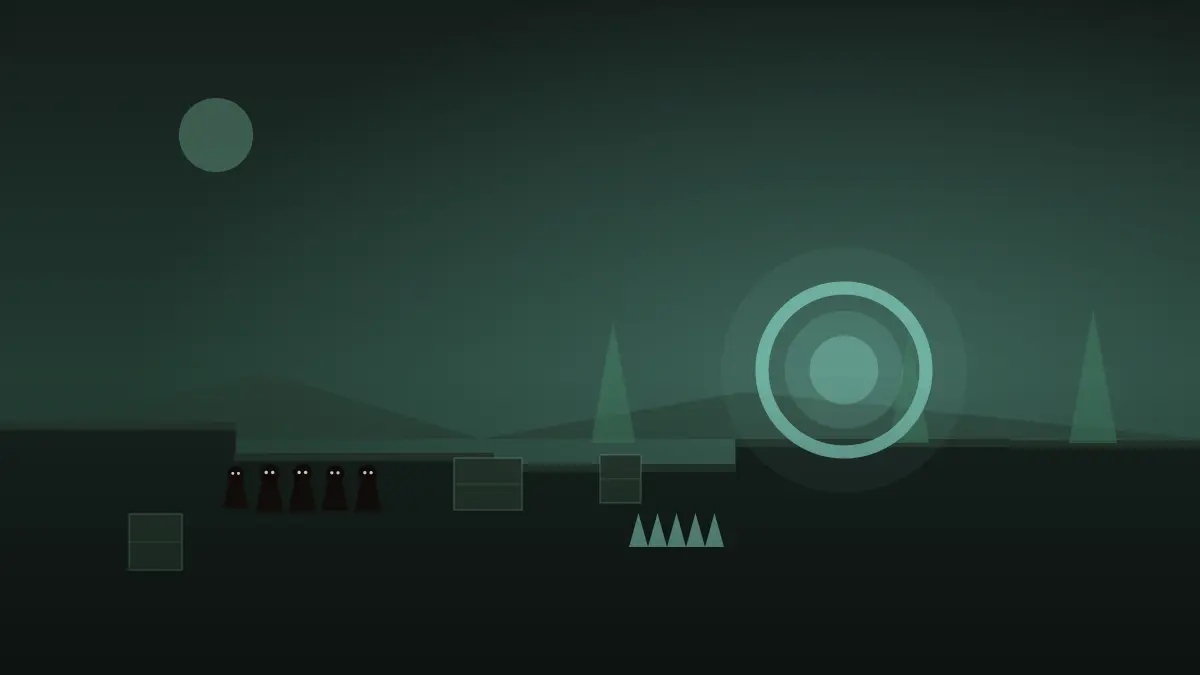
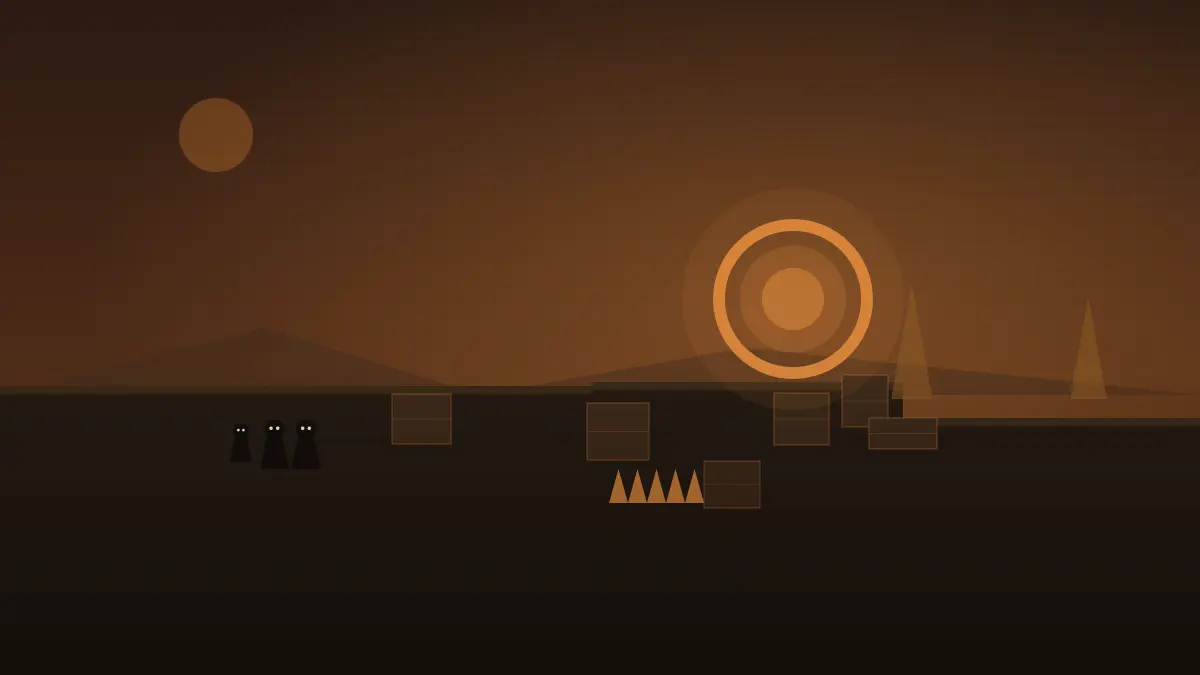
They walk. A queue of hooded figures leaves a wooden door on the left, follows the surface in front of them, and heads toward a portal inside a stone ring. They do not jump on command, they do not wait for you, and they do not take alternate routes.
When the route ahead is broken, the front cultist stops and a question mark appears above their head. That bubble is the single most useful diagnostic on the screen. It means pathing, not timing: something in the terrain is missing, too low, or not flush with the ledge.
The queue also has a length, and the length grows through the run. The finale's line is long enough that a piece placed behind the front cultist still has to be reachable by the last one, which is the cause of the "portal is glowing but the level will not end" failure.
Is there a pause or a level select?
No level select appears in any released material, and the store pages describe a 40-level run rather than a hub. The restart button is the only way back to the start of a plate, and it is the closest thing to a pause-and-retry loop the game offers.
That design has a side effect worth knowing before you start: a plate you cannot solve blocks the rest of the run. There is no skipping, no difficulty setting and no assist mode mentioned on any storefront, so the hardest levels ranking → is effectively a list of the places a playthrough stops.
Does the HUD change between platforms?
The layout does not. The same plate, multiplier and build bar appear in the Steam screenshots and in the PlayStation store captures, and the eShop listing describes the same puzzle loop. What differs is the input device and the language of the on-screen text: the developer's own screenshots show a Russian label on the speed control while the store pages are English, and the Switch listing advertises eight supported languages.
The Switch vs PS5 comparison → covers the platform differences that are actually documented, including file size and language support, rather than guessing at performance.
Sources
Level structure, level count and platform details on this page come from the official listings rather than from a data dump: Ritebound on Steam ↗, the PlayStation Store page for PPSA40099 ↗ and the Nintendo eShop entry ↗.
Official source: Ritebound on Steam ↗
FAQ
What do the skull icons under the build bar mean?
They are per-attempt limits. Each skull counts how many of that piece you may place on the current level, and the count refills when you restart.
How do you restart a level in Ritebound?
Use the circular arrow button in the top-right corner. It resets the level and refills the tool counters without any other penalty.
Does Ritebound have a pause button?
A pause control is not visible on the HUD in any released screenshot. The restart button is the only recovery control shown, and the store listings do not describe a pause menu.
Can you control the cultists directly?
No. You place pieces and the cultists walk themselves. Every failure in the game traces back to the terrain rather than to a missed input.